Object Mapping
After authenticating with your CRM, you'll configure how PrimeRole's data maps to your Salesforce objects and set necessary permissions.
PrimeRole System Objects
Three core PrimeRole system objects need mapping to corresponding Salesforce objects:
- Company: Typically mapped to the Salesforce Account object.
- People - Lead: Typically mapped to the Salesforce Lead object.
- People - Contact: Typically mapped to the Salesforce Contact object.
Configuration Process
For each PrimeRole system object:
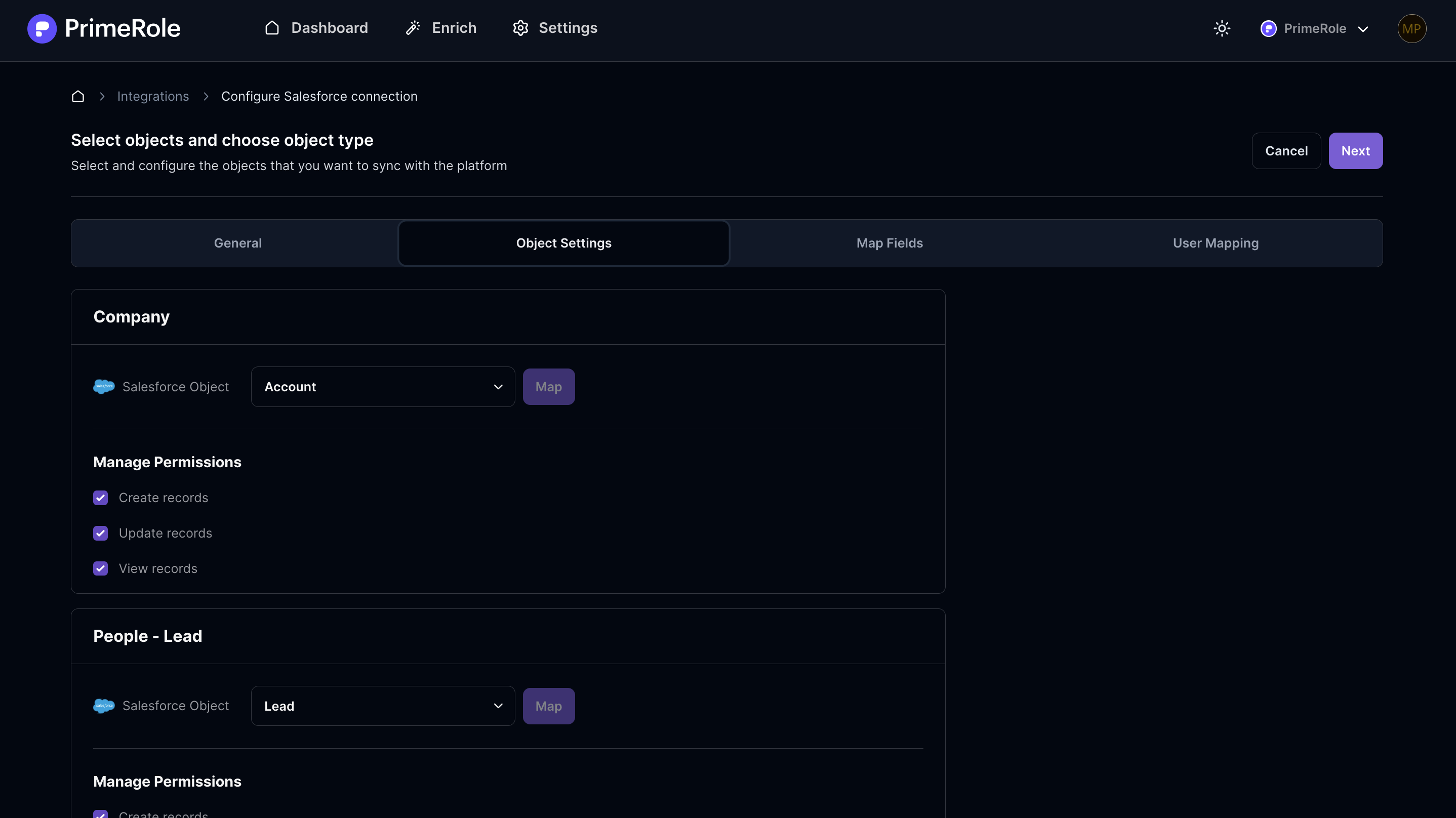
- Select Salesforce Object: Choose the corresponding Salesforce object from the dropdown menu.
- Configure Permissions: Set the following permissions for the selected object:
- Create records: Allows users to create new records in Salesforce.
- Update records: Allows users to modify existing records in Salesforce.
- View records: Allows users to view record details from Salesforce.
Important Note
These permission settings are applied workspace-wide, affecting all users within your PrimeRole workspace.