Security
The Security section provides access to workspace audit logs, allowing you to track activity within your workspace.
Accessing Security Settings
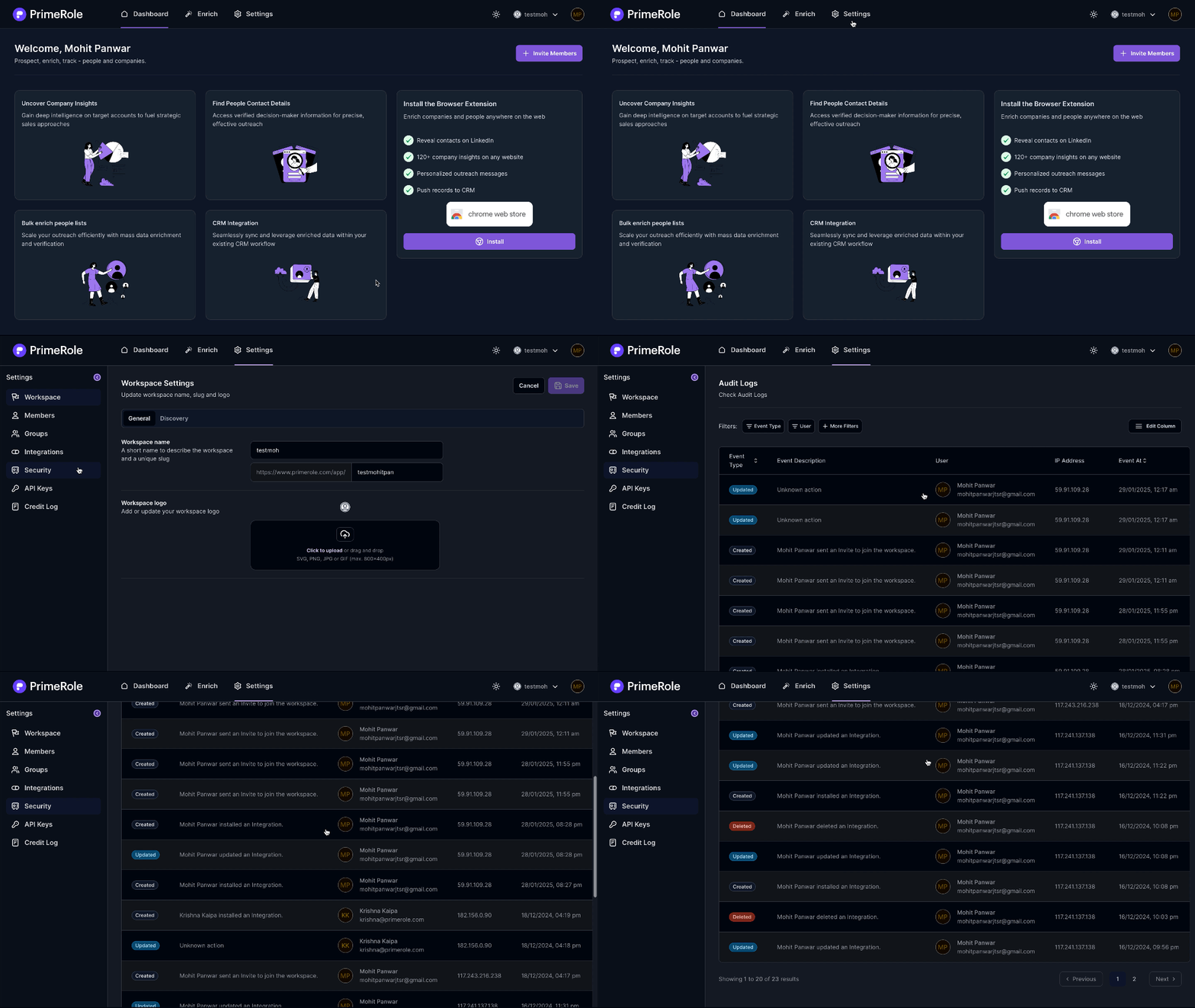
- Go to PrimeRole Platform: Open the PrimeRole platform in your web browser.
- Go to Settings: Click on "Settings" in the main navigation bar.
- Go to Security: Select "Security" from the left sidebar menu.
Viewing Audit Logs
- Navigate to Security: In PrimeRole, go to "Settings" and select "Security" from the left sidebar.
- View Audit Logs: On the Security page, you can view the audit logs and use filters to search for specific events.